To Refresh Contacts:
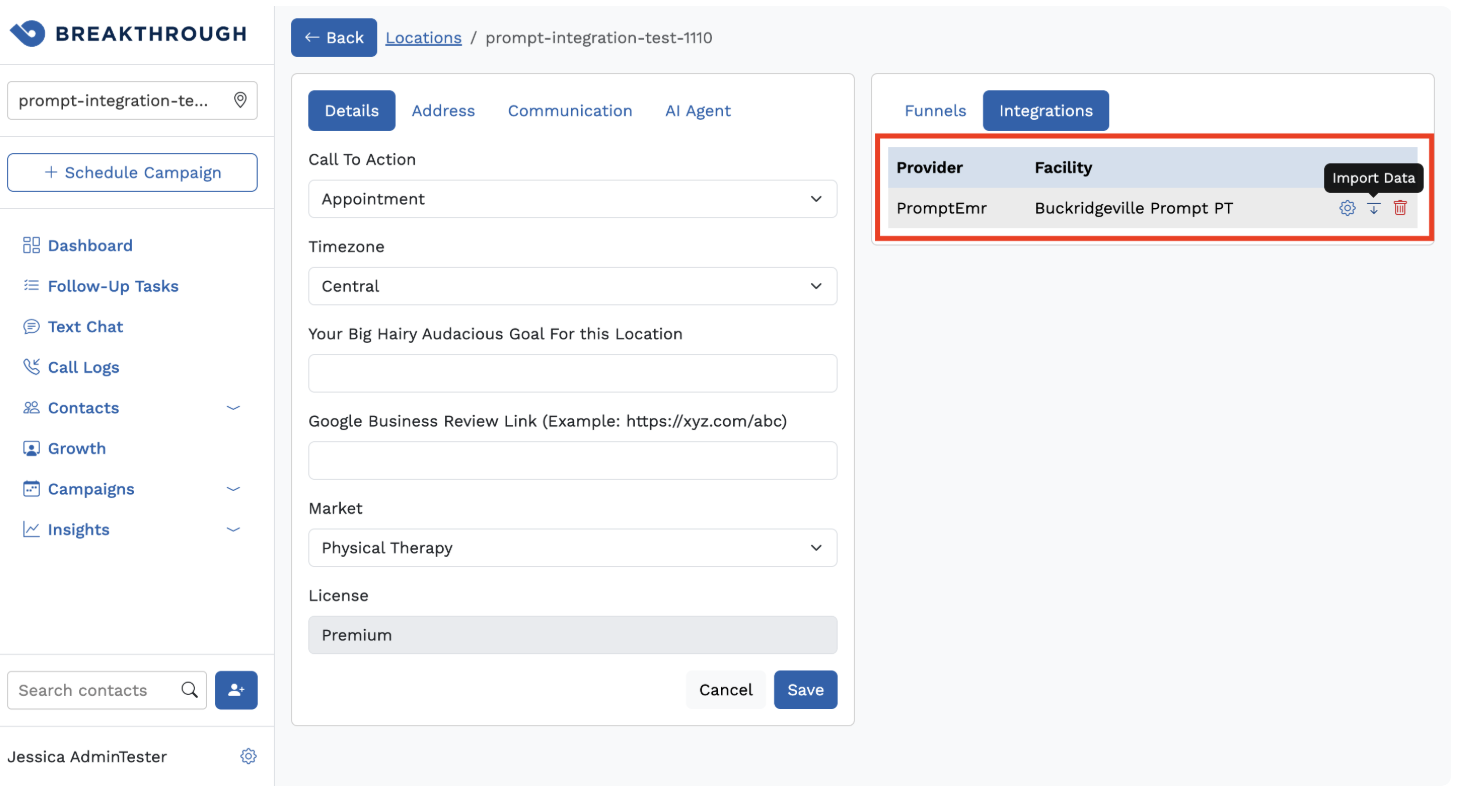
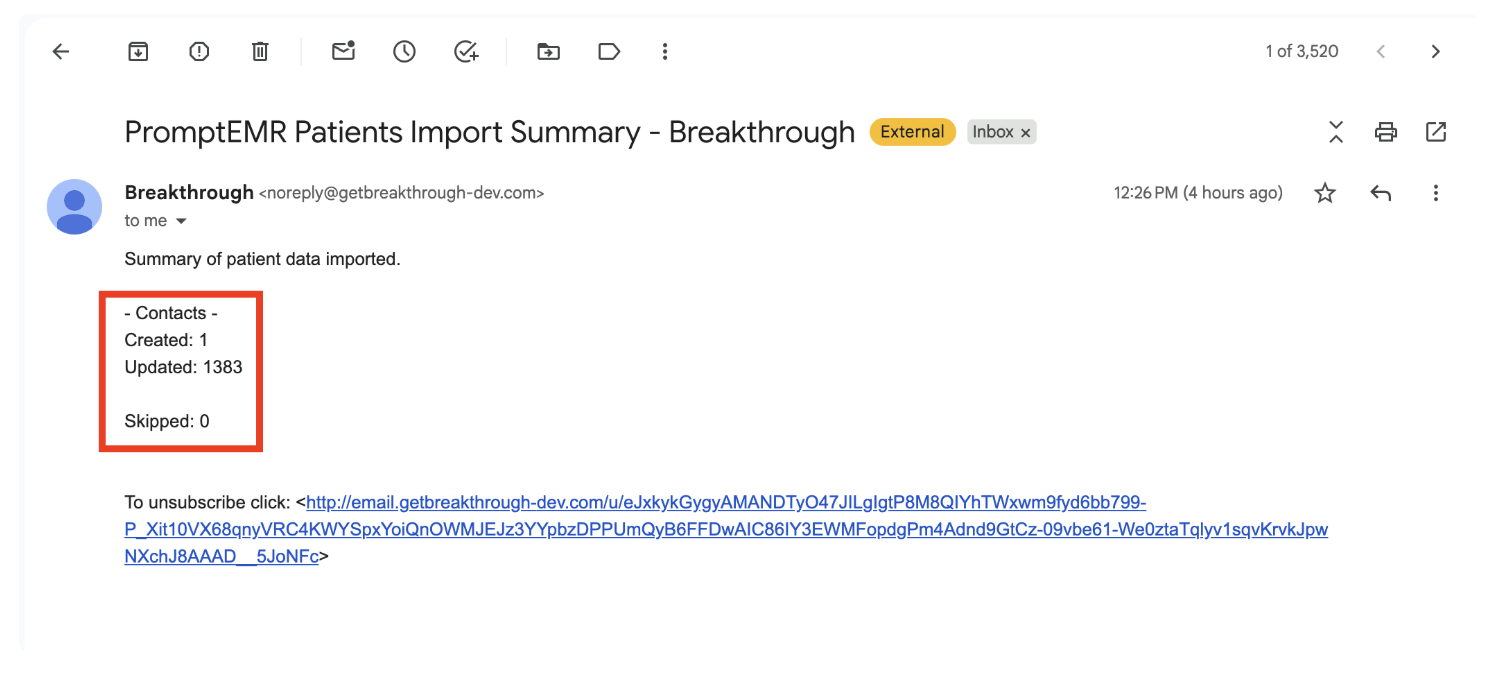
7. The job will take a few minutes to process; when it is complete, a confirmation email will be sent to the email on file for BOOM notifications.
Note: If a contact is deleted in Breakthrough because they are 'Do Not Contact,' but they remain active in Prompt, the contact is going to reappear every time the sync happens. Instead of deleting them, all their preferences (email/SMS) should be disabled.
Please contact support@getbreakthrough.com if you have any questions or need any help.
Was this article helpful?
That’s Great!
Thank you for your feedback
Sorry! We couldn't be helpful
Thank you for your feedback
Feedback sent
We appreciate your effort and will try to fix the article