To Change the Synced Facility:
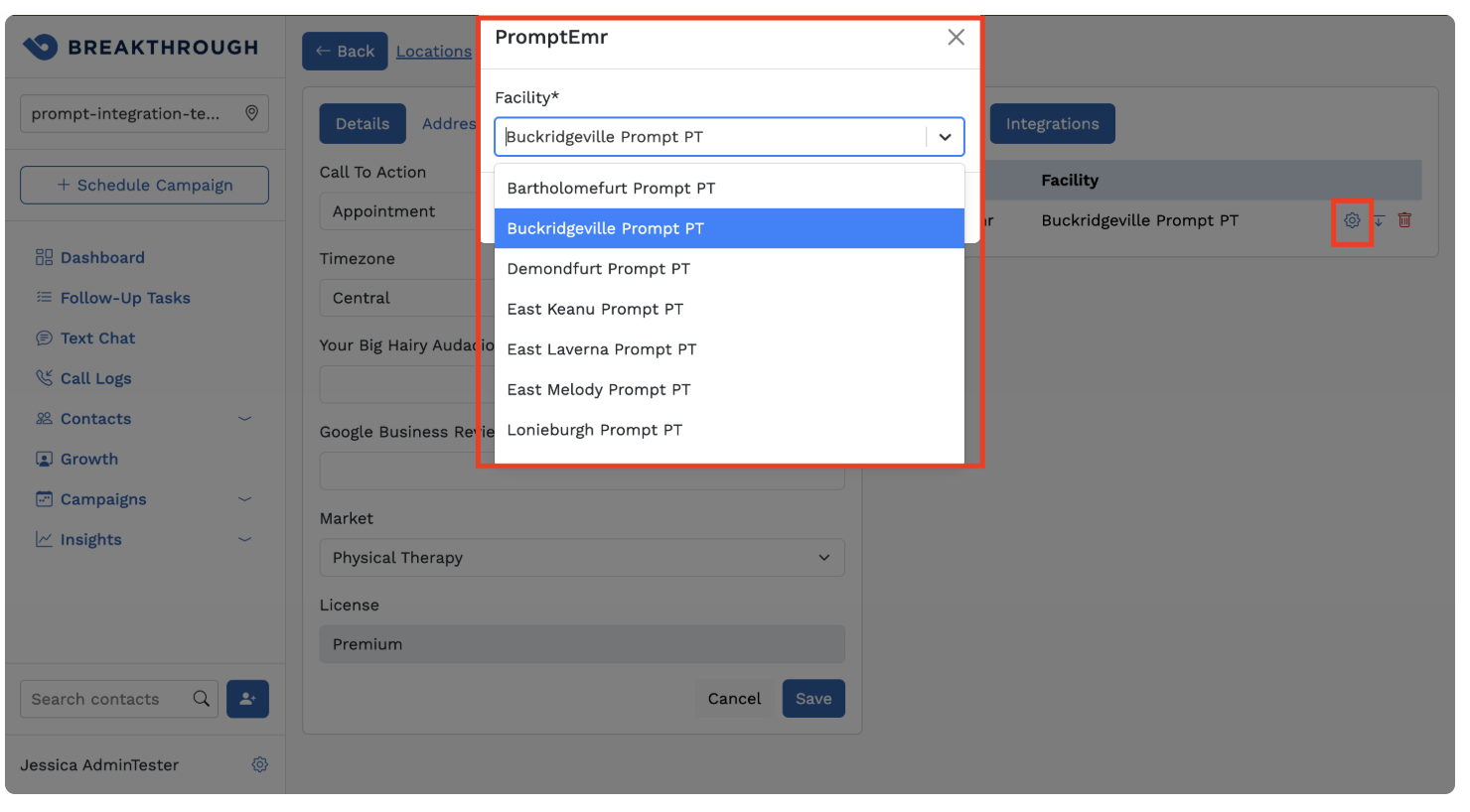
Please reach out to Support for questions or any issues around this.
- Support within Breakthrough: support@getbreakthrough.com
- Support within Prompt: support@promptemr.com
Was this article helpful?
That’s Great!
Thank you for your feedback
Sorry! We couldn't be helpful
Thank you for your feedback
Feedback sent
We appreciate your effort and will try to fix the article